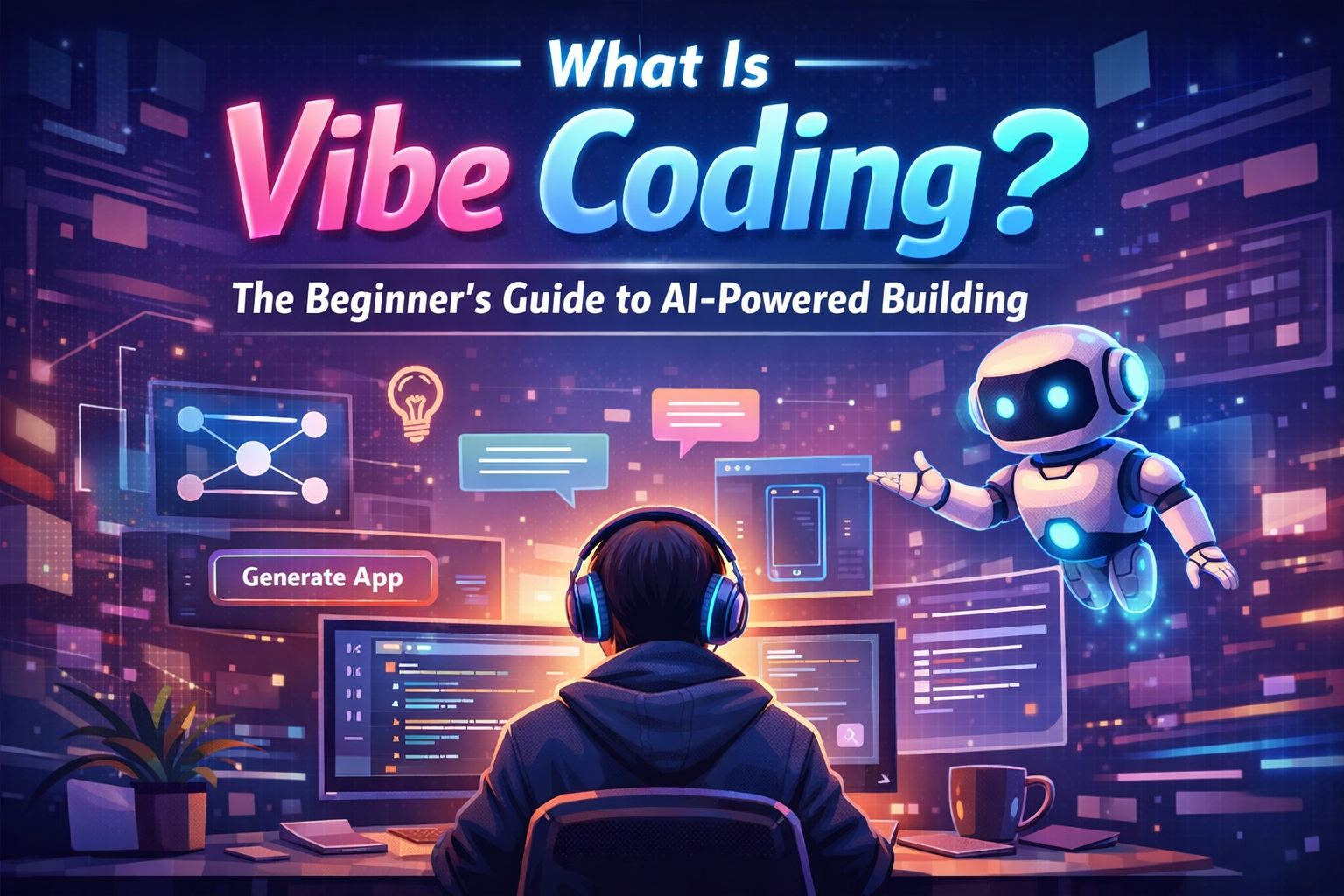
What Is Vibe Coding? The Beginner’s Guide to AI-Powered Building
Recent reports show over 80% of software will use natural language by 2027. This change is huge, moving away from old programming ways. You don’t need a computer science degree to create digital projects anymore.
This new method, called vibe coding, lets you build apps by focusing on what you want. It uses AI to skip over the hard stuff and focus on making things easy for users. It’s perfect for entrepreneurs who need to work quickly.

If you’re new to ai coding, this guide is for you. We’ll make it simple, so you can save time and keep up in the digital world. Learning what is vibe coding lets you make things real without writing code.
Key Takeaways
- Vibe coding shifts the focus from manual syntax to natural language intent.
- You can build professional-grade software without prior technical training.
- AI acts as your primary developer, translating your ideas into functional code.
- This approach democratizes app creation for solopreneurs and small business owners.
- Mastering these tools allows you to compete effectively in the 2026 digital landscape.
Defining the Vibe: What Is Vibe Coding?
Imagine telling your dream app’s story in simple words and seeing it come to life right away. This is what vibe coding promises. It lets anyone, even those who aren’t tech-savvy, create and launch apps in seconds.
This method changes how we make software. You don’t spend months learning code or writing it line by line. Instead, you guide an AI assistant. You focus on what your app should do, and the AI takes care of the technical stuff.
There are two ways to use these tools. You can use vibe coding for quick idea tests or for serious projects that need careful AI help.
By talking about what you want in simple English, you get results that used to need a tech expert. This lets you save time and keep up, showing that you don’t need to be a tech pro to make powerful digital solutions.
The Origins of the Movement: Andrej Karpathy and the Shift in Programming
Every major shift in technology starts with a single idea. For this movement, it was a term coined by AI researcher Andrej Karpathy in early 2025. He introduced vibe coding, capturing a feeling many developers knew well. It was the move from writing code to guiding AI agents.
This change wasn’t just about new tools. It was about making it easier for developers to do their best work. When you do andrej karpathy vibe coding, you avoid the boring, repetitive parts of coding. You focus on the big ideas and the creative vision of your project.
The core idea is to keep you in the zone of creativity. AI automates the basic code and debugging, so you can keep moving. This is great for solopreneurs who need to build apps fast.
Knowing where this movement started helps us see why it’s growing fast. It’s changing how we start projects, making it easier for more people to bring their ideas to life. This background shows why agent-based development is becoming the new norm for builders.
Vibe Coding vs Traditional Coding: How the Workflow Changes
When you look at vibe coding vs traditional coding, the main difference is how you work with your computer. Traditional coding makes you act like an architect, placing each piece of code carefully. You deal with keywords, libraries, and debugging, which can be hard for beginners.
Vibe coding changes your role to that of a creative director. Instead of writing code, you describe what you want using everyday language. For example, you might say, “Make a user login form with a dark mode option,” and the AI does the rest.
This change in how you work means you don’t have to know every detail to start. While traditional coding focuses on syntax mastery, vibe coding emphasizes clear communication. You teach the AI what you want, rather than fighting its language.
“The future of programming is not about writing code, but about describing the world you want to build and letting the machine handle the heavy lifting.”
To see the difference, let’s compare these methods in key areas. The table below shows why many are moving to AI-assisted coding.
| Metric | Traditional Coding | Vibe Coding |
|---|---|---|
| Primary Input | Manual Syntax | Natural Language |
| Development Speed | Slow and Iterative | Rapid Prototyping |
| Technical Barrier | High (Requires Training) | Low (Requires Vision) |
| Error Handling | Manual Debugging | AI-Assisted Correction |
Choosing between vibe coding vs traditional coding depends on your goals. If you want to make apps fast without getting bogged down in details, AI tools are a big help. They let you focus on the creative strategy of your business.
Essential Vibe Coding Tools for Modern Builders
Today, building software is more about finding the right partner for your ideas. The right environment boosts your productivity. It handles the hard parts, so you can focus on your app’s logic and design.

Cursor: The AI-Native Code Editor
Using vibe coding with cursor means you’re working with an editor made for AI. It’s different from regular editors because it understands your whole codebase. This makes refactoring and debugging seem like magic.
It suggests changes that fit your coding style, keeping your project consistent and clean.
Replit Agent: Building Directly in the Browser
The Replit Agent is great for those who want a hassle-free setup. You describe your app in simple terms, and it builds, configures, and deploys it in your browser. It’s perfect for quick tests where you see results fast.
Lovable: Rapid Frontend Prototyping
Lovable turns your visual ideas into working frontend code. It’s for builders who want to create beautiful interfaces without dealing with CSS or framework boilerplate. Just describe what you want, and it creates the necessary components.
Bolt.new: Full-Stack AI Development
Bolt.new is for building complete apps. It handles the backend, database, and frontend in one place. It’s great for solo developers who want to launch a product without dealing with server setup.
Claude Code: Command-Line AI Assistance
Claude Code brings AI power to your terminal. It’s a command-line tool for tasks, tests, and file management through natural language. It’s a highly efficient way to work if you prefer the terminal.
| Tool Name | Primary Strength | Best For |
|---|---|---|
| Cursor | Deep Codebase Context | Complex Projects |
| Replit Agent | Browser-Based Speed | Rapid Prototyping |
| Lovable | Frontend Design | UI/UX Focus |
| Bolt.new | Full-Stack Integration | Complete Applications |
| Claude Code | Terminal Efficiency | Power Users |
Setting Up Your Environment for AI-Assisted Development
To start vibe coding, you need a solid foundation for your AI tools. Your digital workspace connects your creative ideas to the machine’s actions. A well-prepared space ensures your AI assistant meets your goals right away.
Choosing between a dedicated IDE or a web-based platform is the first step. Tools like Cursor offer a local, AI-native experience that fits into your workflow. On the other hand, web-based platforms like Replit let you start coding in your browser without hassle.
Creating a “long-term memory” file for your project is crucial. This file holds your coding standards, design preferences, and project requirements. It helps your AI understand your vision better, making every code snippet feel like it belongs.
Consistency is key when you start vibe coding. A well-organized environment keeps your AI focused. Use the table below to choose the right setup for your skills and project needs.
| Platform Type | Best For | Setup Complexity | Primary Benefit |
|---|---|---|---|
| Web-Based (Replit) | Beginners & Rapid Prototyping | Low | Instant access |
| AI-Native IDE (Cursor) | Advanced Projects | Medium | Deep code integration |
| Command-Line Tools | Power Users | High | Maximum control |
Your environment should enhance your creative process. Organize your instructions and keep your files tidy. This effort lets you focus on creating, not fixing your workspace.
Step-by-Step Guide to Building Your First Project
You don’t need a computer science degree to build apps with ai prompts today. The process of turning a vague concept into a functional tool is now more accessible than ever before. By following a structured lifecycle, you can move from ideation to a live, production-grade application with minimal manual effort.

Defining Your Project Scope and Requirements
Before you start typing, clarify exactly what you want to create. Focusing on a single, clear problem prevents the AI from getting confused by conflicting instructions. Start by listing the core features your application must have to be useful.
Keep your initial scope small to ensure success. A simple task manager or a basic landing page are excellent vibe coding examples for your first attempt. Define the user journey clearly so the AI understands the intended flow of your software.
Drafting Initial Prompts for the AI Agent
Your prompts act as the blueprint for your project. Be specific about the technology stack, the visual style, and the functional requirements you identified earlier. Clear communication is the secret to getting high-quality code on the first try.
Try to structure your prompts using these elements:
- Role: Tell the AI it is an expert software engineer.
- Context: Explain the purpose of the application.
- Constraints: List specific libraries or design preferences.
Iterating Through Code Generation and Debugging
Rarely will your first generation be perfect, and that is completely normal. The beauty of this workflow lies in the iterative refinement of the code. If the AI makes a mistake, simply point it out and ask for a specific correction.
Treat the AI as a junior developer who needs your guidance. If you encounter a bug, copy the error message and feed it back into the chat. You will find that you can build apps with ai prompts much faster when you treat debugging as a collaborative conversation.
Deploying Your Application to the Web
Once your application looks and functions the way you want, it is time to share it with the world. Most modern AI-native tools include one-click deployment features that handle the technical heavy lifting for you. You do not need to worry about server configuration or complex database management.
Simply click the deploy button, wait for the build process to finish, and your project will be live on a public URL. Seeing your idea come to life in the browser is the most rewarding part of the journey. You are now ready to start your next, more complex project.
Navigating the Technical Limits of Vibe Coding
Vibe coding is a powerful tool, but it has its limits. You can create impressive prototypes quickly. Yet, it’s crucial to know where it stops. Understanding these limits is the key to building reliable software.
AI agents are great at making standard patterns and common web structures. But, they struggle with novel or complex real-world technical requirements. If your project needs specific logic or deep integration with legacy systems, you’ll face challenges.
Also, be aware of the challenges in code quality and performance optimization. AI-generated code can be bloated or inefficient. Debugging dynamic, AI-generated code requires a human touch to keep it stable.
When to use AI and when to step in is key. Here’s a comparison of project stages:
| Project Stage | AI Capability | Human Oversight Needed |
|---|---|---|
| Initial Prototyping | High | Low |
| Feature Expansion | Medium | Moderate |
| Security & Maintenance | Low | High |
Security is where human oversight is essential. AI agents might introduce vulnerabilities if not trained with security in mind. You are the final architect of your project, ensuring the code is functional and secure.
The goal is to balance AI’s speed with human verification. Treat AI as a capable assistant, not a replacement for engineering judgment. Stay involved in the process to turn a clever prototype into a professional-grade application.
Best Practices for Prompting and Iteration
Think of your AI agent as a highly skilled intern. They need clear instructions to do their best. If you ask for vague things, you might get code that’s not what you want. By being clear, you turn your work into a precise engineering process.
Using the C.A.S.E. framework is a good idea. It makes sure your AI knows exactly what you want. This way, you don’t have to fix things over and over again.
The C.A.S.E. framework is like a guide for talking to your AI. Use the table below to make sure you cover everything before you send it off.
| Component | Focus Area | Example Input |
|---|---|---|
| Context | Project goals and user base | “Build a dashboard for local bakery owners.” |
| Aesthetic | Visual style and branding | “Use a minimalist, warm, and rustic design.” |
| Stack | Preferred languages or frameworks | “Use React with Tailwind CSS for styling.” |
| Experience | User flow and interactions | “Ensure the checkout process is one click.” |
It’s important to see your AI as a collaborator, not just a tool. If what they make isn’t what you wanted, don’t start over. Tell them what to change, like a certain part or a UI element.
“The quality of your software is a direct reflection of the clarity of your intent. Iterate often, listen to the feedback from your tools, and refine your approach with every cycle.”
Learning to communicate well with your AI can save you a lot of trouble. When you give clear, detailed feedback, the AI gets to know what you like. This collaborative loop is the best way to make apps that are just what you dreamed of.
The Future of Developer Careers in the Age of AI
The world of software development is changing, but your role is evolving, not disappearing. Many fear AI will replace human skills. But, the truth is more optimistic and complex than that.
Think of these new tools as a force multiplier for your skills. You can now focus on solving big problems and coming up with new ideas. Your worth is not just about typing code fast, but about designing strong systems.
The industry is moving toward a model where you act as an architectural lead. You set the vision, guide AI through complex tasks, and make sure the product meets user needs. This change lets you create more, faster, and with more complexity than before.
To see how your work will change, look at this comparison:
| Focus Area | Traditional Developer | AI-Augmented Developer |
|---|---|---|
| Primary Task | Manual code writing | System architecture and logic |
| Time Allocation | 80% coding, 20% design | 20% coding, 80% strategy |
| Skill Emphasis | Syntax and language mastery | Problem-solving and oversight |
| Output Capacity | Linear growth | Exponential growth |
This change is an opportunity to grow your career, not a threat. By using these tools, you become a leader who can deliver big value. The need for human insight, ethics, and creativity is greater than ever in this new era.
Conclusion
Software development has changed a lot. It’s now open to everyone, not just a few. Vibe coding lets you create digital products easily with generative AI.
Tools like Cursor, Replit Agent, and Bolt.new help you bring your ideas to life. You don’t need to know a lot of code to make something useful. Your creativity is what matters most.
Begin your project with a simple goal. Keep improving it as you work with your AI helper. Make sure to check your work to meet your quality standards.
The days of high barriers to entry are over. You can now shape the digital world with ease. Start coding, try new things, and see your ideas come to life.
FAQ
What is vibe coding explained in simple terms?
Vibe coding is a new way to make software. Instead of coding yourself, you tell an AI what you want. This AI, like Claude or GPT-4o, then writes the code for you.This lets you focus on the big ideas. The AI takes care of the details. It’s like having a partner who does the hard work while you dream up the next big thing.
Why is Andrej Karpathy vibe coding such a hot topic right now?
Andrej Karpathy, a big name in AI, started talking about vibe coding in February 2025. He said it’s changed how we make software. Now, anyone can start creating without needing to know how to code.This is because vibe coding makes the hard parts easy. It lets everyone get creative, no matter their background.
What are the best vibe coding tools 2025 for small business owners?
There are top tools for vibe coding. Cursor is the best for coding with AI. Replit Agent lets you build and deploy online.For design, Lovable is great for quick prototypes. Bolt.new is perfect for full-stack projects. Claude Code is good for coding in the terminal.
Is vibe coding vs traditional coding better for someone with no experience?
For beginners, vibe coding is a clear win. It’s faster and easier to start. Traditional coding takes months to learn.With vibe coding, you can make something in hours. Just tell the AI what you want, and it does the rest.
How to start vibe coding my first application?
Start with Cursor or Replit Agent. Define your project in simple words. Use the C.A.S.E. framework for your prompts.Don’t worry if it’s not perfect at first. Treat the AI as a partner. Give it feedback and watch it work.
Can I really build apps with AI prompts alone?
Yes, you can make apps with AI prompts. Just tell the AI what you need. Tools like Lovable and Bolt.new can create everything for you.Your job is to check if it’s right. Make sure it does what you want.
What are some practical vibe coding examples for a beginner?
Beginners can make dashboards, lead-capture forms, or productivity apps. For example, you can ask an AI to make a dashboard for your expenses.The AI will write the code for you. It’s that easy.
Does vibe coding with Cursor require me to know how to debug?
No, Cursor makes debugging easy. If there’s an error, just ask the AI to fix it. It knows how to find and fix bugs.You don’t need to know how to debug. The AI does it for you. It’s perfect for beginners.
